⬇️ Official Download
Download rtk333 – Get the best gaming app for Android and iOS
The official rtk333 app is now available on both Android and iPhone. Install it in just a few minutes and start playing from anywhere.
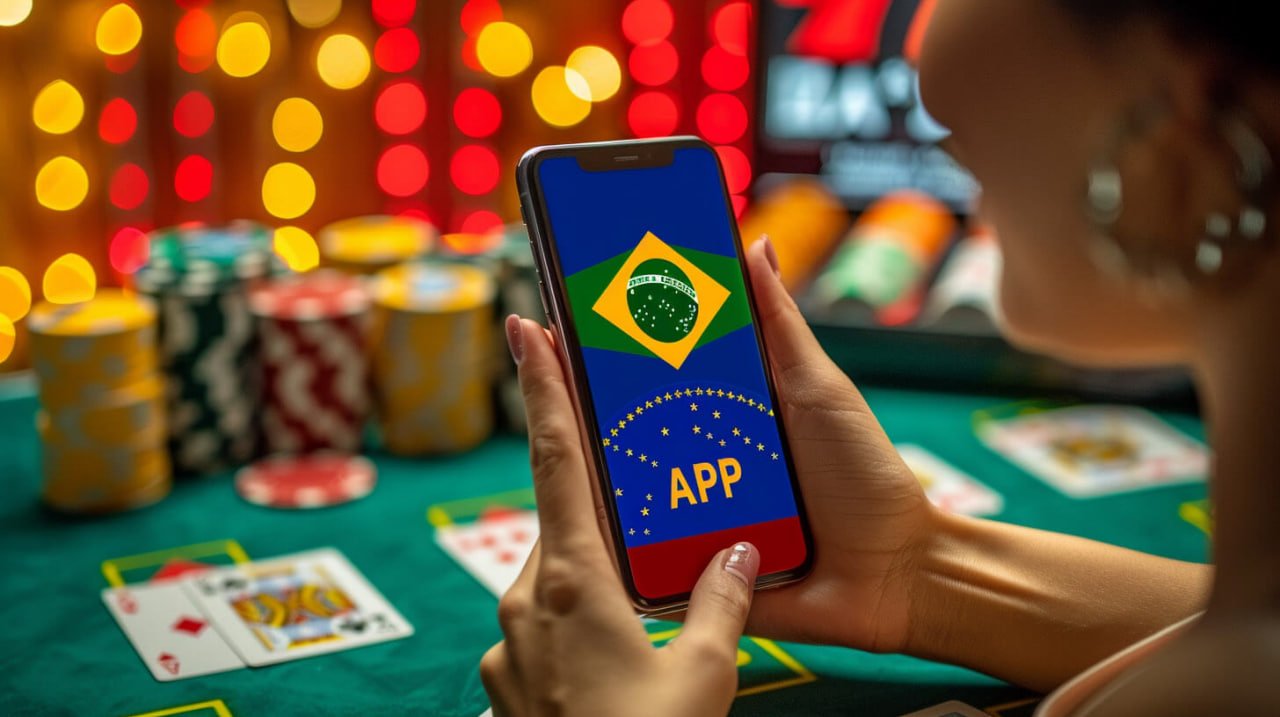
The official rtk333 app is now available on both Android and iPhone. Install it in just a few minutes and start playing from anywhere.
Rtk333 app optimized for both Android and iOS
Download the APK directly on any Android 6.0 or later device and install it — no Google Play Store required.
Use Safari on your iPhone or iPad to add rtk333 to your home screen and enjoy a full-screen app-like experience.
You might be wondering — if I can already play in the browser, why bother downloading the rtk333 app? That's a reasonable question. But regular players will tell you the in-app experience is in a league of its own.
First, speed. The rtk333 app loads significantly faster than a browser because it's installed on your phone and the necessary resources are pre-cached. Games run smoothly even on a slow connection.
Second, security. The rtk333 app supports biometric login, meaning you can sign in with your fingerprint or Face ID — no need to type your password every time, while keeping your account fully protected.
Third, push notifications. With the app installed, rtk333 can send you direct push notifications — for example, when a new bonus drops, before a big match kicks off, or when your withdrawal has been processed. This is hard to replicate in a browser.
On top of that, there are app-exclusive offers. rtk333 app users occasionally receive special discounts or bonuses available only to app users. For those who want the full benefits, downloading the app is the smart move.
On top of everything else, the overall experience is far more seamless. With the icon right on your home screen, rtk333 opens with a single tap whenever you need it — no opening a browser, no typing a URL.

Tap the "Android APK" button at the top of this page. The APK file will be saved to your phone's Downloads folder. The file is approximately 30 MB, so downloading over WiFi will be fastest.
Go to your phone's Settings > Security (or Privacy) and enable "Install unknown apps" or "Unknown Sources". This only needs to be done once to allow app installations outside the Google Play Store.
After the download completes, tap the notification or go to the Downloads folder in your file manager and open the rtk333 APK file. Tap "Install" to begin installation.
Once installation is complete, tap "Open" or tap the rtk333 icon on your home screen. Log in to your account, or register if you're new.
The rtk333 APK is compatible with Android phones from all major brands, including Samsung, Xiaomi, Oppo, and Vivo. MIUI users may need to grant additional permissions through the Security app.
On iPhone or iPad, you must use Safari — the PWA install option is not available in Chrome or Firefox. Open Safari, type rtk333.win, and press Enter.
Tap the Share icon (the square with an upward arrow) at the bottom center of the screen. Scroll down and select "Add to Home Screen".
Type "rtk333" in the name field and tap "Add" in the top right corner. The icon will be added to your home screen instantly.
Tapping the rtk333 icon from your home screen launches the app in full-screen mode without Safari's tab bar — just like a native app.
The iOS PWA updates automatically. Each time a new version is released, rtk333 will update itself the next time you open it.

See the difference between the rtk333 app and a web browser
| Features | rtk333 App | Browser |
|---|---|---|
| Loading Speed | ⚡ Very Fast | Medium |
| Push Notifications | ✅ Available | ❌ None |
| Biometric Login | ✅ Supported | ❌ None |
| Offline Cache | ✅ Partial | ❌ None |
| Exclusive Bonuses | ✅ App-Only Offers | General Offers |
| Full-Screen Mode | ✅ Full-Screen | Partial |
| Installation required | Yes (~30 MB) | No |
| IOS Support | ✅ As PWA | ✅ Direct |

Launch rtk333 from your home screen with a single tap. No browser, no URL required.
All data in the rtk333 app is transmitted via SSL encryption, keeping your account and payment information completely secure.
Menus, buttons, notifications, support chat — everything in Bengali. Built with Bangladeshi users in mind.
Deposit and withdraw via Mobile Banking, Nagad, and Rocket directly within the app — no need to switch to a separate app.
Bet in real time while watching live cricket or football matches. Streaming in the app is smooth and stable.
Need help? Use the in-app live chat in Bengali without leaving the app. The support team is available around the clock.
As online gaming platforms continue to multiply in Bangladesh, rtk333 has carved out a distinct reputation — largely thanks to its app. The entire experience, from downloading the app to playing your first game, is so straightforward that even first-time users can get started without any trouble.
Before downloading the rtk333 app, many people wonder — is an APK file safe? It's a fair question. The general rule is to always download APKs from the official site only. APK files downloaded from the rtk333 official website are fully verified and free from malware. Avoid downloading APKs from any third-party sites.
One major advantage of the rtk333 app is that it receives regular updates. Each update brings new games, bug fixes, and performance improvements. Android users simply download the latest APK and install it over the existing version — no data is lost. iOS users don't need to do anything; the PWA updates automatically.
Rtk333 is just as convenient for users who switch between devices. You can log into the same account from an Android phone, iPhone, or computer. Your balance is synced across all devices, so you can check and use it from wherever you are.
Simply put, downloading the rtk333 app is a smart move. In terms of speed, security, bonuses, and convenience, the app consistently outperforms the browser. So don't wait — download it now and start enjoying everything rtk333 has to offer.
Get a 100% welcome bonus on your first deposit through the app. Join millions of players across Bangladesh.